
Save your company identity and choose Classic, Compact, Modern, Letterhead, Minimal or Custom for documents.
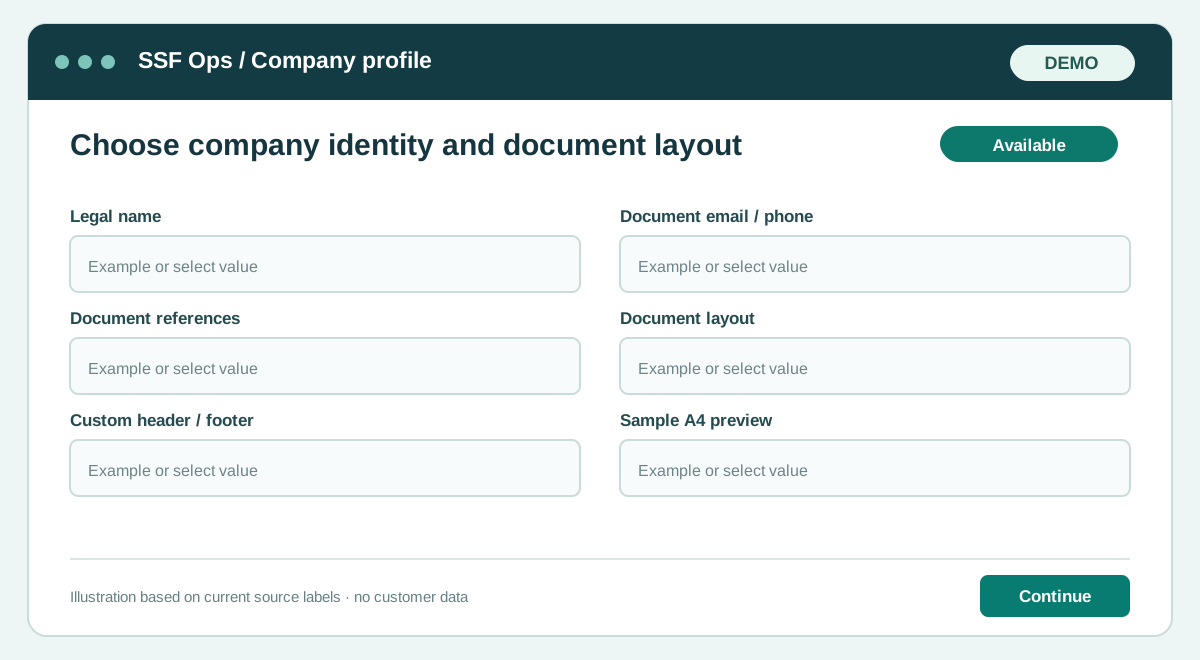
How to use this function
- Open Company profile with company settings permission.
- Edit legal name, contact details, VAT, payment instructions and footer.
- Choose a document layout. Classic retains the agreed quotation style; the other presets adjust spacing and header treatment.
- For Custom, upload your own wide PNG, JPEG or WebP header and footer, up to 2 MB each. You can upload either or both.
- Custom keeps the saved issuer name and registration details visible under your artwork, with recipient and document reference side by side. Upload each company’s own artwork into its own profile.
- Review the A4 sample and select Save details. Layout applies to company and partner quotations, invoices, POs, work orders and recorded payment receipts.
- Printed document types use distinct labels and subtle colors. SSF OPS credit is a small light 6pt mark at bottom right unless a platform entitlement removes it.
- Open Subscription & add-ons to review the agreed one-time or recurring branding-removal offer. Activation follows administrator payment confirmation.
Fields and controls shown in the demo
- Legal name
- Document email / phone
- Document references
- Document layout
- Custom header / footer
- Sample A4 preview
Guide updated 2026-10-11. Release changes must update this page and its image together.