
Enter a manual reference on draft creation or edit and save the draft reference.
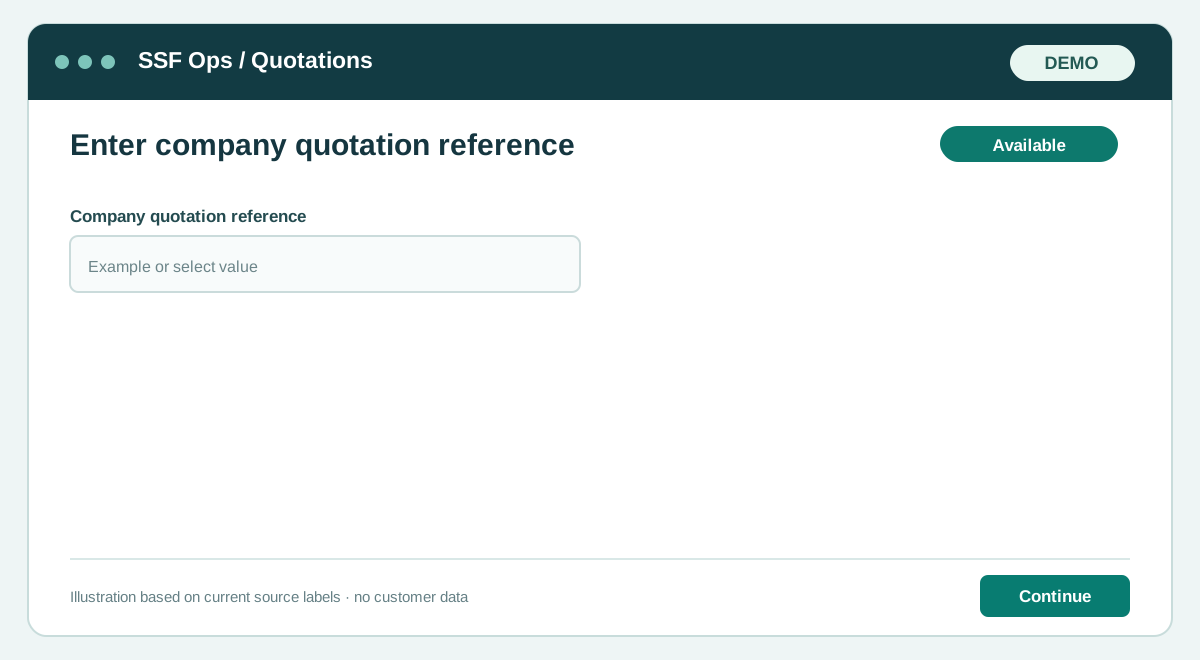
How to use this function
- Sign in with a role allowed to access quotations.
- Open Quotations and choose Enter company quotation reference.
- Review the customer and company site context where this function uses them.
- Complete or review these controls: Company quotation reference.
- Enter a manual reference on draft creation or edit and save the draft reference.
- Save or confirm the action, then reopen the record to check its updated state and history.
Fields and controls shown in the demo
- Company quotation reference
Guide updated 2026-09-27. Release changes must update this page and its image together.