
Issue a reviewed draft with a due date on or after its issue date. The printed invoice displays both dates.
How to use this function
- Open a draft invoice from the register.
- Choose Issue invoice and confirm the due date.
- The system rejects a due date earlier than the issue date.
- Open Print / PDF and confirm the issue and due dates.
Fields and controls shown in the demo
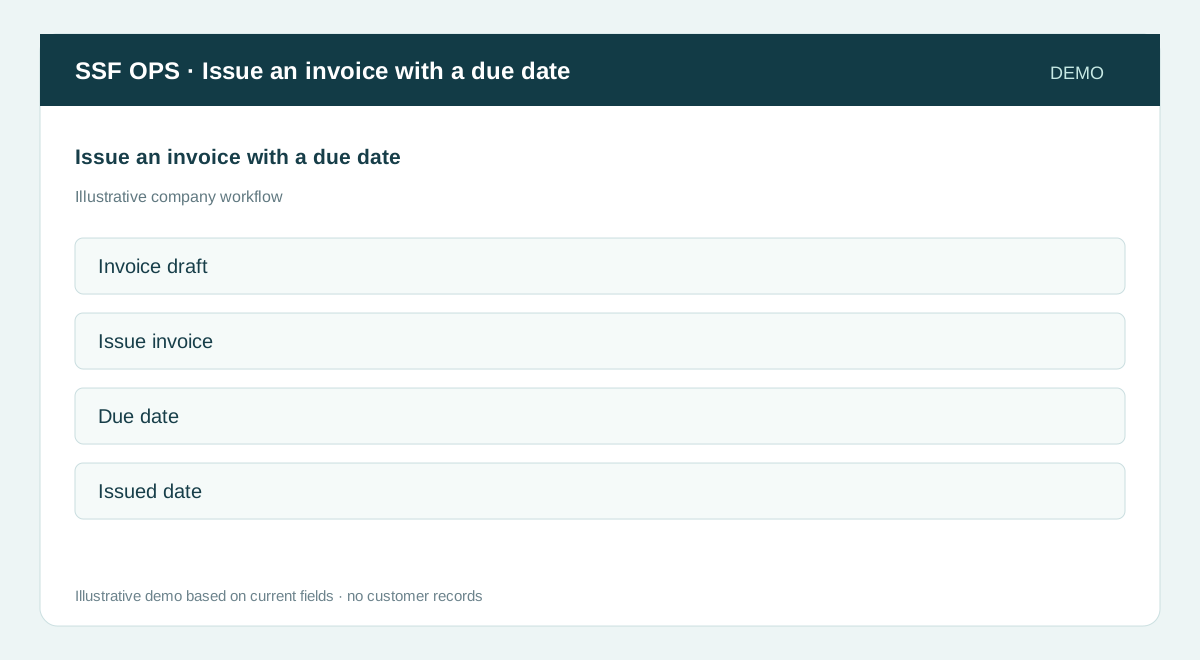
- Invoice draft
- Issue invoice
- Due date
- Issued date
Guide updated 2026-09-30. Release changes must update this page and its image together.