
Sign in using your TEN reference, email and password. Your browser can remember the last reference.
How to use this function
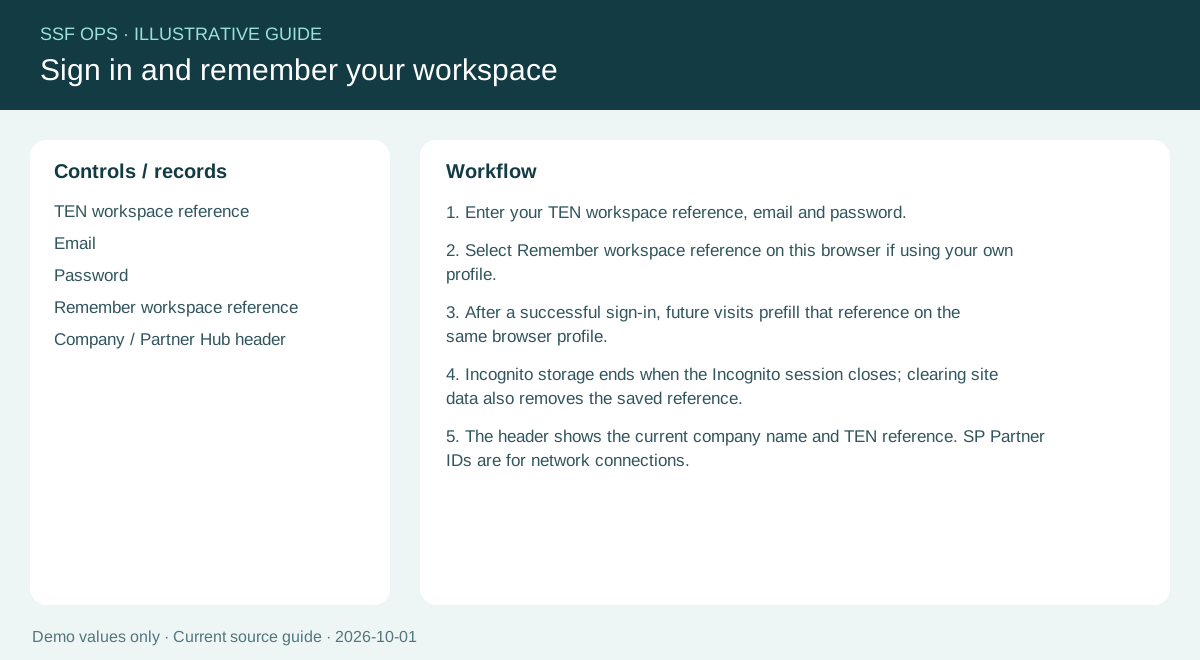
- Enter your TEN workspace reference, email and password.
- Select Remember workspace reference on this browser if using your own profile.
- After a successful sign-in, future visits prefill that reference on the same browser profile.
- Incognito storage ends when the Incognito session closes; clearing site data also removes the saved reference.
- The header shows the current company name and TEN reference. SP Partner IDs are for network connections.
Fields and controls shown in the demo
- TEN workspace reference
- Password
- Remember workspace reference
- Company / Partner Hub header
Guide updated 2026-10-01. Release changes must update this page and its image together.