
Company and provider supervisors can review their own staff register and site roster; staff with attendance.self see their own shifts and records. Photo transfer awaits beta verification.
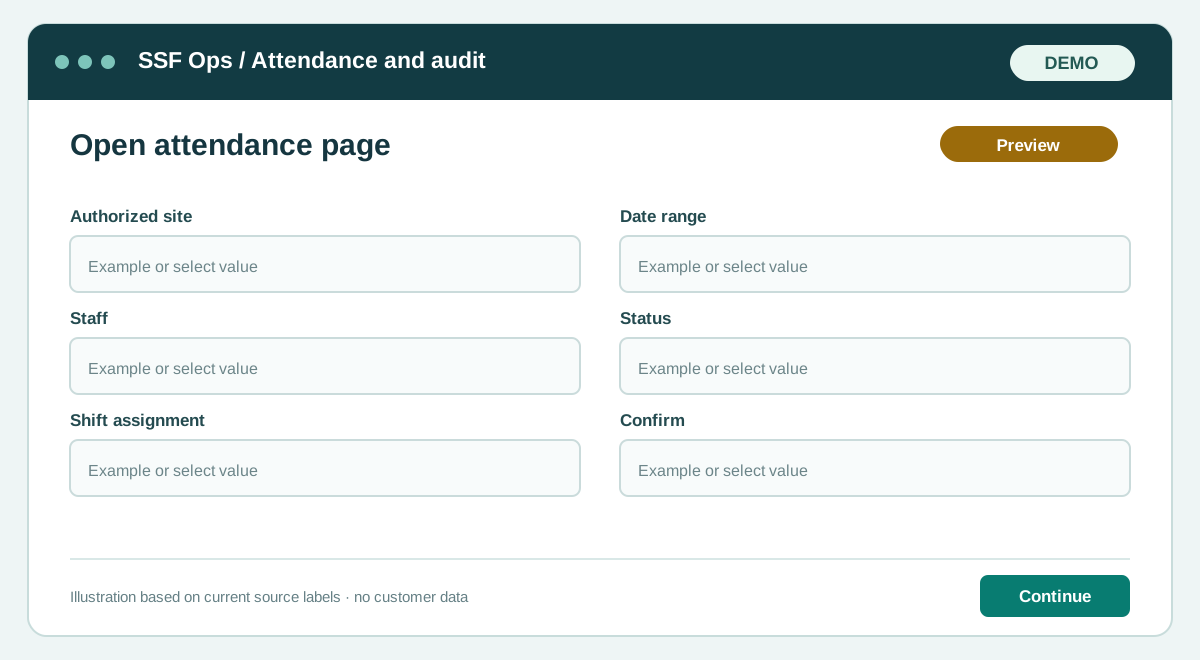
How to use this function
- Open Company admin → Attendance. Providers select Attendance from Provider Hub, which opens their own company attendance workspace.
- Filter by authorized site, date and status to review records.
- For a supervisor roster, select one site and eligible active staff shifts, then record observed staff.
- Confirm, reject or correct an entry with the required reason; corrections retain server audit history.
- Test photo uploads and signed photo display when private storage is available on the beta server.
Fields and controls shown in the demo
- Authorized site
- Date range
- Staff
- Status
- Shift assignment
- Confirm
- Correct
- Reject
Guide updated 2026-09-30. Release changes must update this page and its image together.