
Maintain the partner’s own workforce and assign staff or a current team roster to received work.
How to use this function
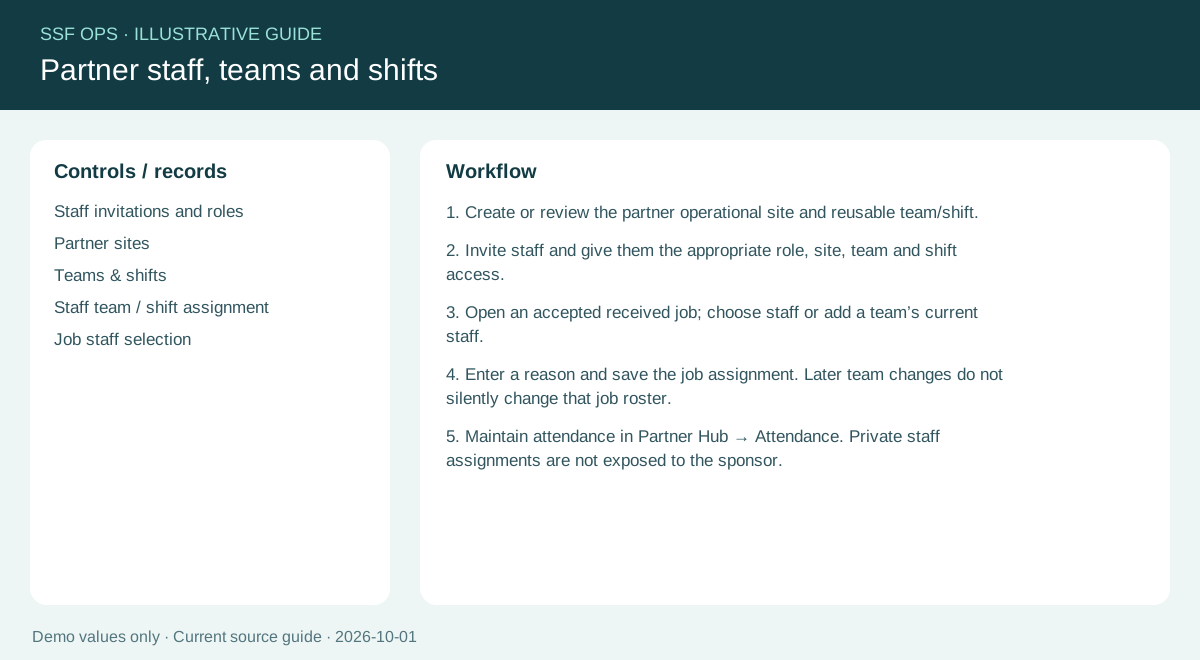
- Create or review the partner operational site and reusable team/shift.
- Invite staff and give them the appropriate role, site, team and shift access.
- Open an accepted received job; choose staff or add a team’s current staff.
- Enter a reason and save the job assignment. Later team changes do not silently change that job roster.
- Maintain attendance in Partner Hub → Attendance. Private staff assignments are not exposed to the sponsor.
Fields and controls shown in the demo
- Staff invitations and roles
- Partner sites
- Teams & shifts
- Staff team / shift assignment
- Job staff selection
Guide updated 2026-10-01. Release changes must update this page and its image together.