
Create a draft from an accepted quotation explicitly. The source quotation and line amounts are copied by the server; the draft is not sent or issued automatically. Verify on staging.
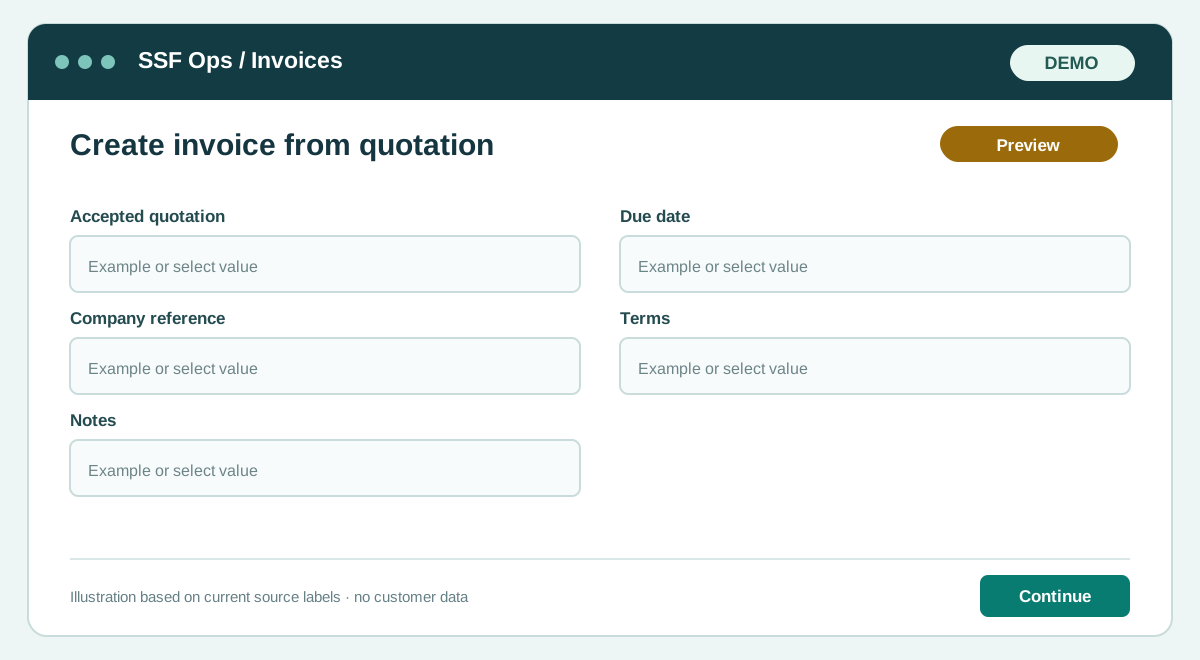
How to use this function
- Open Invoices and choose Create invoice.
- Select Accepted quotation and choose a quotation that has customer acceptance.
- Set a due date and an optional company invoice number, then create the draft.
- Review the draft and issue it when ready. A source can be invoiced only once.
Fields and controls shown in the demo
- Accepted quotation
- Due date
- Company reference
- Terms
- Notes
Guide updated 2026-09-30. Release changes must update this page and its image together.