
Create a draft from a closed work order with approved completion and itemized invoice lines. The server recalculates totals and checks source eligibility. Verify on staging.
Preview: this function is not available end to end in the supplied staging source.
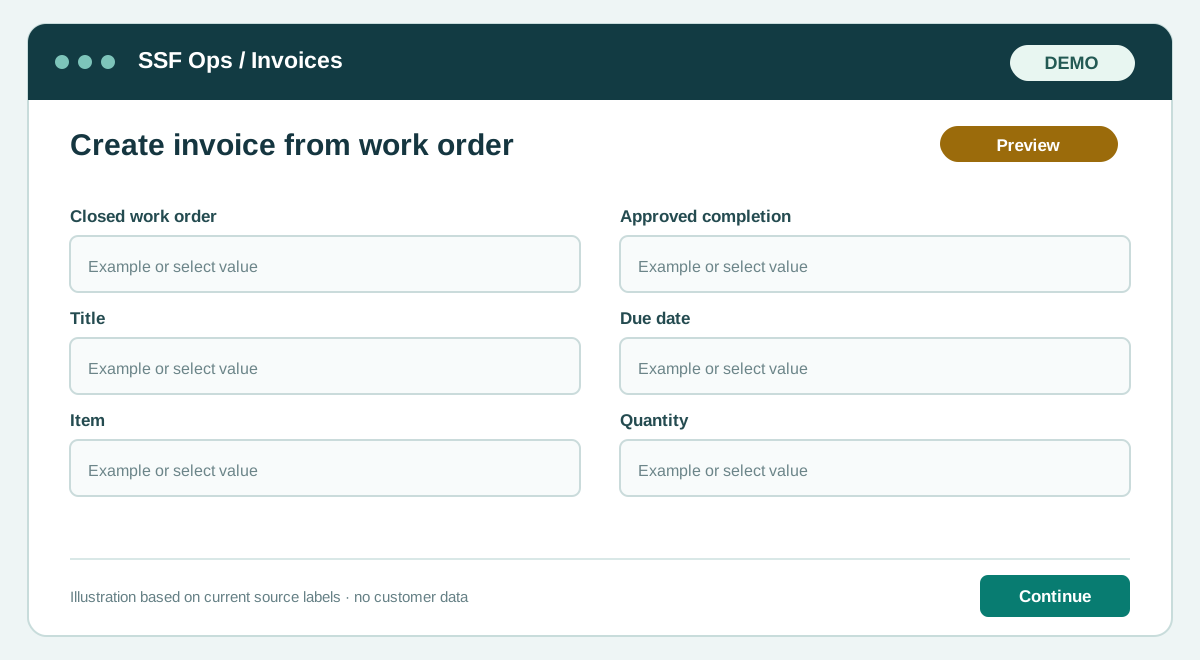
How to use this function
- Open Company admin → Invoices and select Create invoice.
- Choose Approved closed work order and add title, due date and item/service lines.
- Save the draft, review calculated totals, then issue separately.
Fields and controls shown in the demo
- Closed work order
- Approved completion
- Title
- Due date
- Item
- Quantity
- Unit price
- Tax
Guide updated 2026-09-27. Release changes must update this page and its image together.