
Open a company invoice in a popup with the shared A4 design, reviewed email and payment receipts.
How to use this function
- Open an invoice row in Invoices to show its detail popup.
- Review the selected company layout, customer VAT, dates, items, totals, payment instructions and printed reference. Internal notes are excluded.
- Download PDF or print A4 at 100% with browser headers and footers off. Long content flows across measured pages.
- Issue the invoice to enable email. Review the recipient, message and attachment, confirm the review, then send.
- Record cumulative payment using the existing invoice action. A positive new payment produces a receipt in Payment receipts below the invoice document.
- Select View receipt for a separate receipt popup, with Download, Print and issuer-only reviewed Email.
- Download PDF preserves the reference-based filename. Print uses the same document title, but Microsoft Print to PDF may request a filename; use Copy filename and paste it in the save dialog.
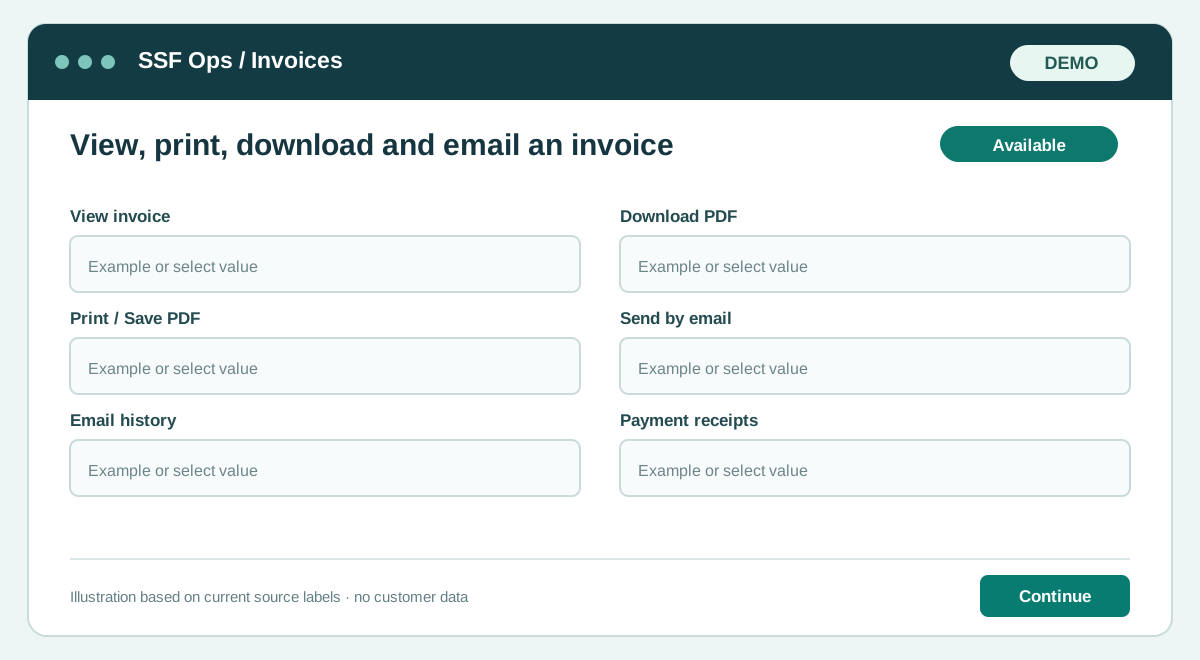
Fields and controls shown in the demo
- View invoice
- Download PDF
- Print / Save PDF
- Send by email
- Email history
- Payment receipts
Guide updated 2026-10-08. Release changes must update this page and its image together.